Prismic preview links timing out & we can't work out why
Our team has noticed preview links expiring/timing out quite quickly. We have a rigid content review process at our company: we send preview links, the reviewer views through the link, the content manager amends, reviewer does a second review etc. We’ve been finding that when sending preview links out to review, sometimes the links will just expire and we have no idea why. We will normally have to refresh the link or preview through the prismic document which is not ideal. Any ideas why this might be happening / how we can rule potential causes out?
Welcome to the community Previews typically time out when content is changed – are you modifying anything while the link is being shared? This would be the reason why.
Hi Ezekiel, thanks for your response. I can confirm the content isn’t changing between generating the link and sending it to be reviewed. This is a recent happening, we haven’t had this problem before now. Any other possible causes?
Hey @sashahay, thanks for the details. Does it expire after having been visited by the reviewer? If the preview is closed via the 'x' in the Prismic preview toolbar, which we generally recommend doing once done with a preview, it might be the reason. Do you know if that's what reviewers have been doing recently, or if you've noticed anything different?
If not, could you share what you see when it's invalidated, and do you have any idea of how "long" that expiring takes, if it's happening to specific page types, or anything that could form a pattern? Any further details is useful here to find out the "randomness" of it if that makes sense. We've not had other reports of this, so hard to pinpoint what might be the issue otherwise. Thanks
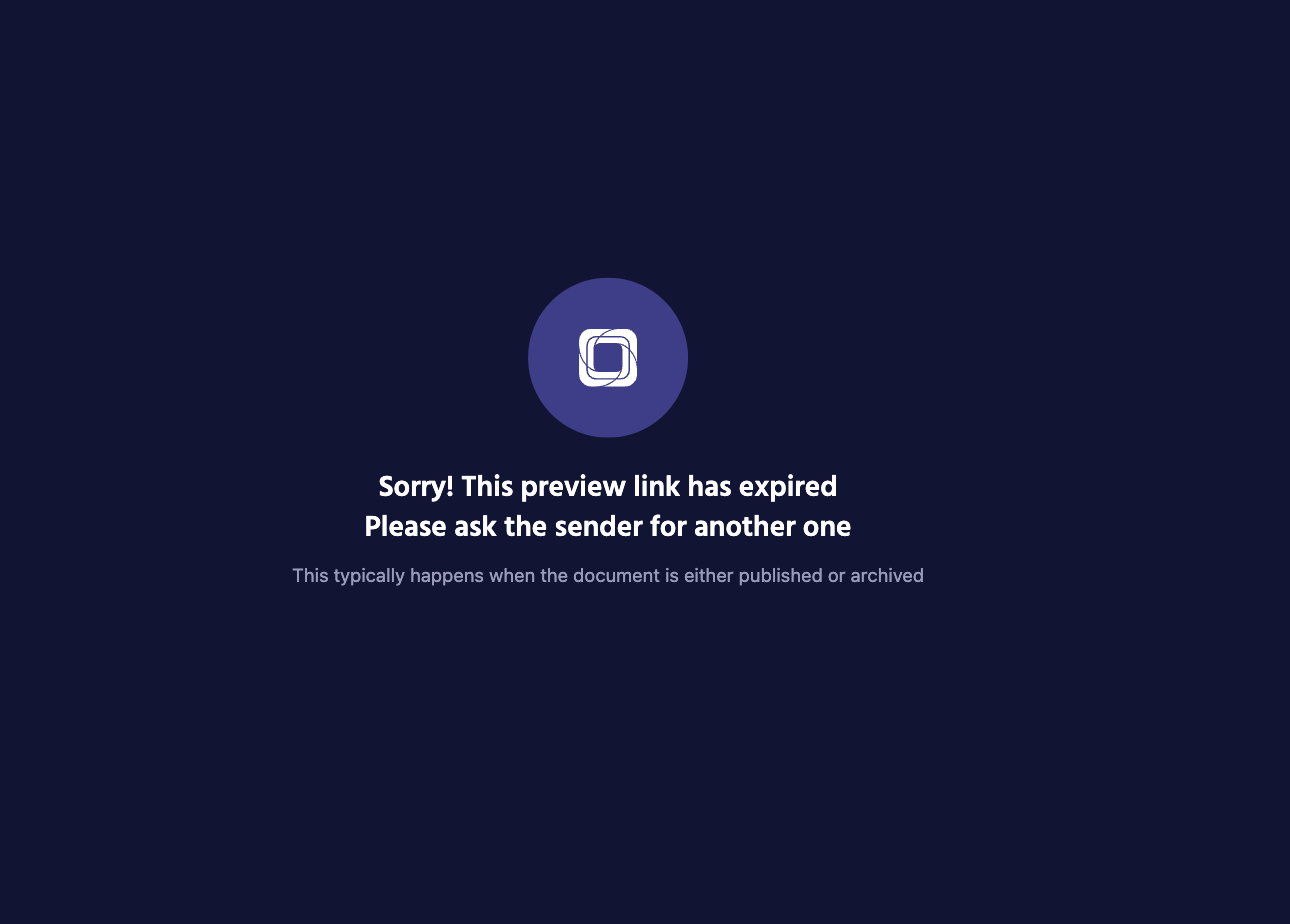
We get this response from prismic API. The document wouldn’t have been published OR archived by my team, and in most cases we can generate a new link and it’ll work fine.
I will get back to you on any other info regarding the pattern of behaviour. We haven’t been doing anything out of the ordinary so it’s hard to point to anything off the cuff, none of what you have listed stands out as a potential cause. Is there anything else we should pay attention to?
I’m one of the engineers at Wonderbly. When attempting to access the Prismic link, the network tab consistently shows a 404 error, even though the content hasn’t been published, archived, or edited by the content team or anyone else.
This issue is occurring on our main repository, for which no setup changes have been made, and it affects both the cached and uncached versions of our website.
Sasha and I will continue monitoring this issue and will provide additional details where possible. In the meantime, it would be greatly appreciated if Prismic could assist us in investigating this further, especially as we approach Q4 and as Premium customers.
I’ve checked on our side and haven’t been able to reproduce the issue.
Could you clarify exactly what you’re seeing? For example, are the previews expiring consistently, or only sometimes working?
You mention that:
“We’ve been finding that when sending preview links out to review, sometimes the links will just expire and we have no idea why.“
Could it be that the reviewer is clicking the original link which is no longer valid after the amendment?
Also you mention:
“We will normally have to refresh the link or preview through the prismic document which is not ideal.
This would suggest the reviewer did not manually close the original preview link with the ‘x‘ button of the preview modal and probably just closed the tab. The leads to the original cookie staying in the browser and becoming ‘stale‘, when the new link is visited the browser will grab the old ‘stale‘ cookie instead of loading the new one therefore showing the expired preview warning. The only way to clear the old cookie without manually doing it in the browser is to click the ‘x‘ button of the preview modal.
The document wouldn’t have been published OR archived by my team
Documents don’t need to be published or archived, just the content edited and ‘Saved‘, once the content has been edited like this the old link is no longer valid and the preview ref expires, it ONLY expires through this process, it is not a timed expiration.
It’d also really help if you could:
Describe the exact steps to reproduce the issue
Share a short Jam.dev recording showing what happens
Once we have that, we can investigate more precisely.
 Previews typically time out when content is changed – are you modifying anything while the link is being shared? This would be the reason why.